

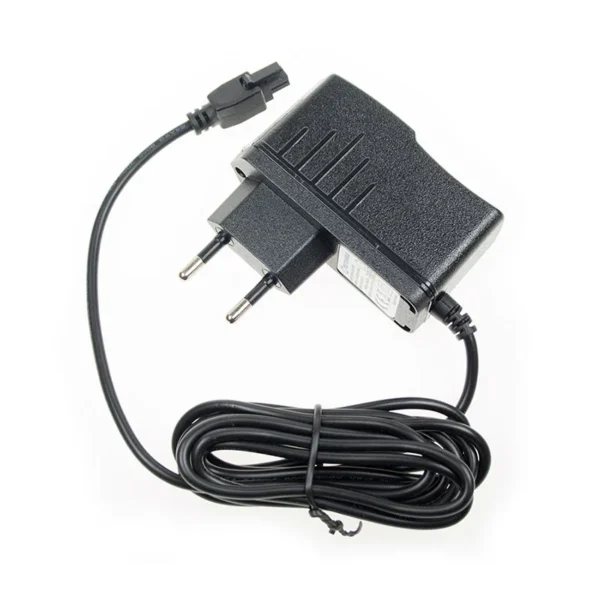
230 V power supply
12 V from a wall socket. The TRB145 peaks at 3.4 W, well within the 18 W rating.
€13.95 incl. VATBuy now
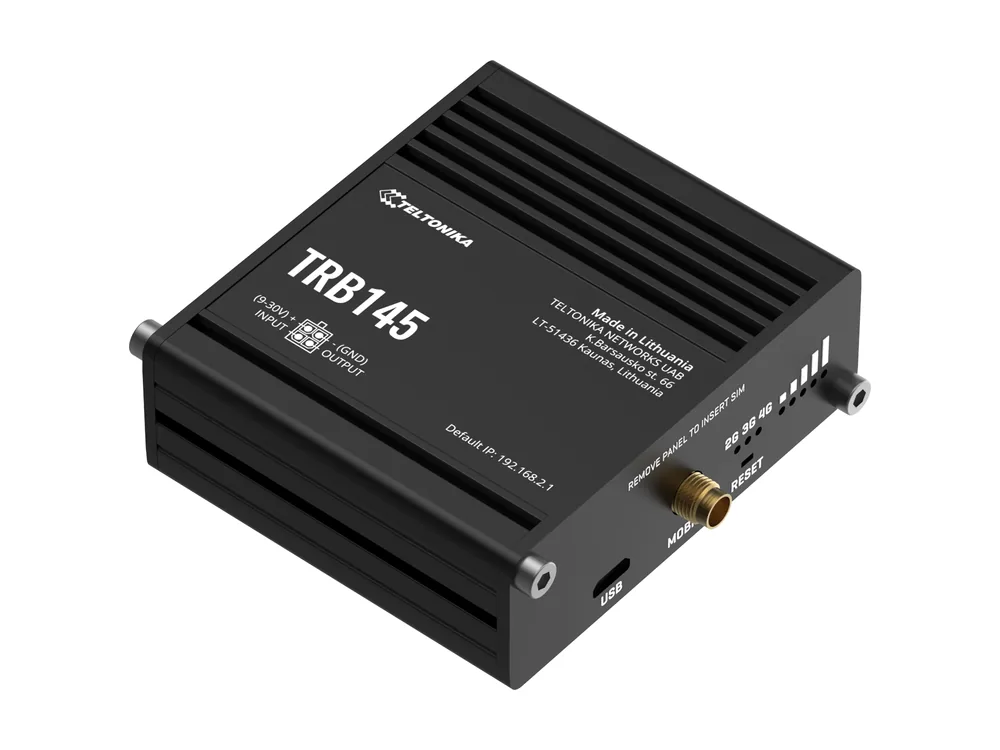
The Teltonika TRB145 is a 4G gateway with a 4-pin power socket. Here is what fits it, what it draws, and which cable suits your install.
12 V from a wall socket. The TRB145 peaks at 3.4 W, well within the 18 W rating.
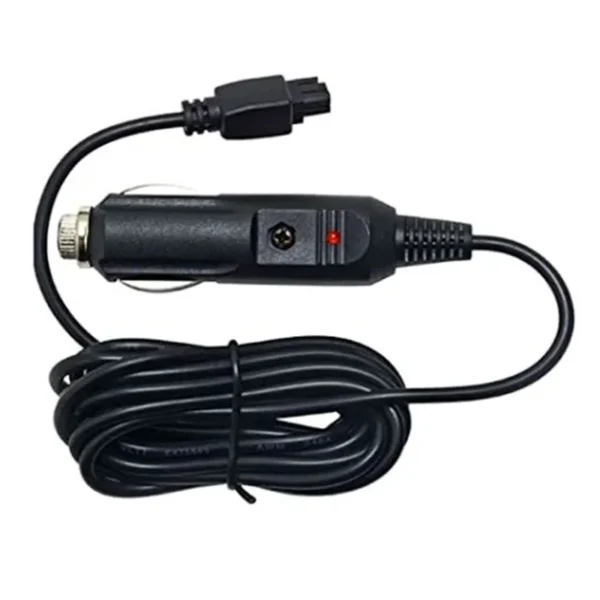
For 12 V cars and 24 V trucks, passing 9 to 30 V straight through.
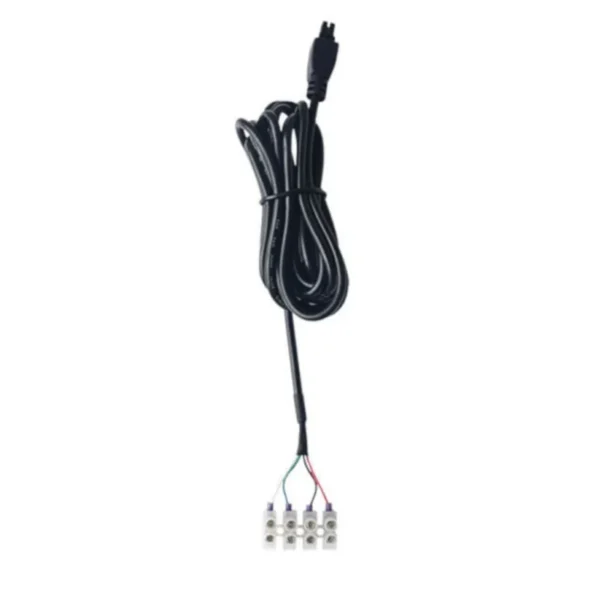
For DC rails, batteries and solar. Green and white bring out the I/O.
The TRB145 is the RS485 version of the TRB gateway. A 6-pin terminal block supports 2-wire or 4-wire RS485, so it can talk Modbus RTU to inverters, energy meters and PLCs over LTE Cat 1. Like the TRB141 and TRB142, it has no Ethernet port.
Solar installers use it a lot to bring inverter data online at sites without internet.
| Pin | Function | Our wire |
|---|---|---|
| 1 | Power (+) | Red |
| 2 | Ground (-) | Black |
| 3 | Digital input or output | Green |
| 4 | Digital input or output | White |
Wire colours are for our screw terminal cable. On TRB gateways, check Teltonika's pinout drawing to see which of pins 3 and 4 is the input.
On 12 V, the Teltonika TRB145 draws about 281 mA at its busiest, or 3.4 W. Left idle it sits near 0.25 W. Our 230 V supply is rated 1.5 A, so the router uses roughly 19% of it at peak. Teltonika's 24 V figure is 3.4 W at peak.
Anything from 9 to 30 V DC works, so a 12 V battery, a 24 V truck system or our 12 V supply are all fine. Stay below 30 V, including spikes.
New units usually ship with a 9 V wall adapter. A second cable makes sense for spares, a second site, or an install where a wall plug is not practical, such as a vehicle or a DIN rail cabinet.
Yes. It accepts 9 to 30 V and draws about 3.4 W at most on 12 V, so a 12 V or 24 V solar battery works well. Use the screw terminal cable and fit an inline fuse near the battery.
The 4-pin socket on the Teltonika TRB145 carries one digital input and one digital output, and the screw terminal cable brings both out on the green and white wires. Check Teltonika's pinout drawing for which pin is which before wiring.
Yes. The Teltonika TRB145 peaks at 3.4 W on 12 V, about 19% of the supply's rating.
No, the router is not included. You get the cable or supply you order, and the Teltonika TRB145 itself comes from a Teltonika reseller.
Cookies, your choice
We use necessary cookies to run the shop. If you accept, we also use analytics and marketing cookies to improve the site and our ads. You can change your choice at any time under Cookie settings. Cookie policy