

Two cables become one
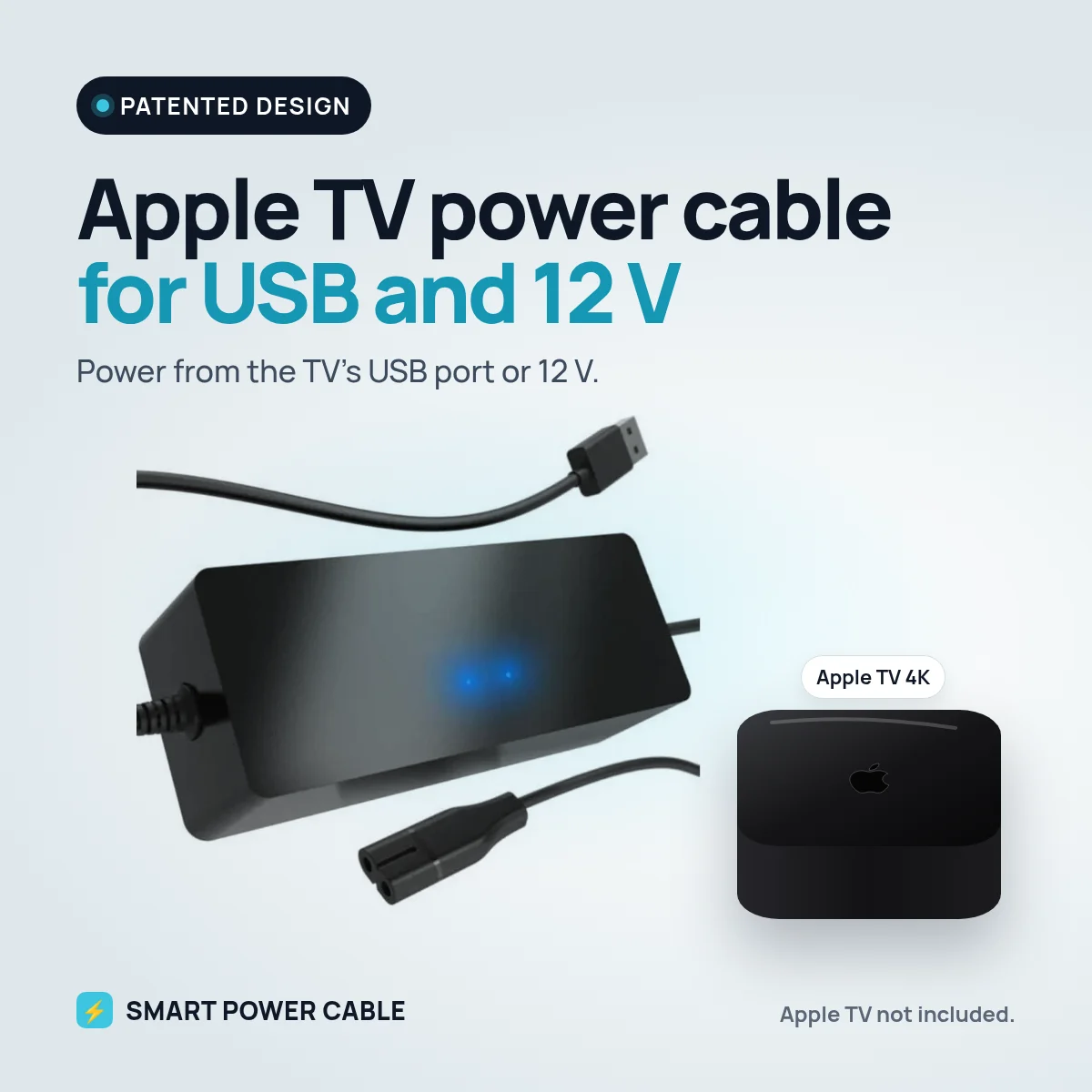
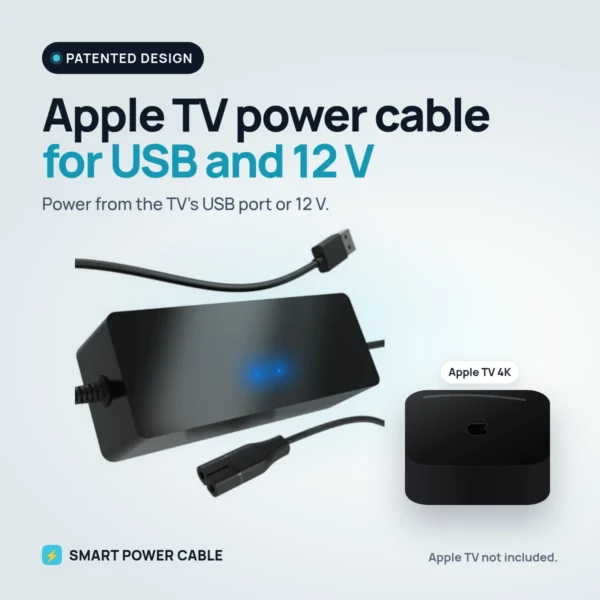
An Apple TV normally needs two cables: HDMI for picture and sound, and a power cable to a wall socket. Behind a wall-mounted TV that means one more socket and one more cable to hide. With this cable the Apple TV takes its power from the TV’s USB port instead. You still use HDMI as usual, but the wall plug is gone.
How it works
The cable plugs into the power input on your Apple TV. The other end goes into a USB port on your TV, monitor or another USB source. We recommend a USB port that delivers at least 900 mA. Most modern TVs do, but it varies between models, so check your TV if you are unsure.
The cable is a patented design, made for exactly this job.
Setting it up
- Charge the cable for about 6 hours before you use it the first time.
- Plug the cable into the power input on the Apple TV.
- Plug the USB end into a USB port on the TV or monitor.
- Connect the Apple TV to the TV with HDMI as usual.
There is nothing to change in the Apple TV settings.
Ideal for motorhomes, caravans, boats and 12 V
If your TV runs on 12 V and has a USB port that is strong enough, you do not need 230 V for the Apple TV at all. If the TV’s USB port is too weak, plug a USB charger into a 12 V socket and connect the cable to that instead. That makes it a neat solution for motorhomes, caravans, boats and other 12 V installations.
At home
On a wall-mounted TV the cable keeps things clean: no plug, no power brick, just the Apple TV and the HDMI cable.
Compatibility
Not sure it fits your Apple TV model? Contact us before you order and we will help you check.
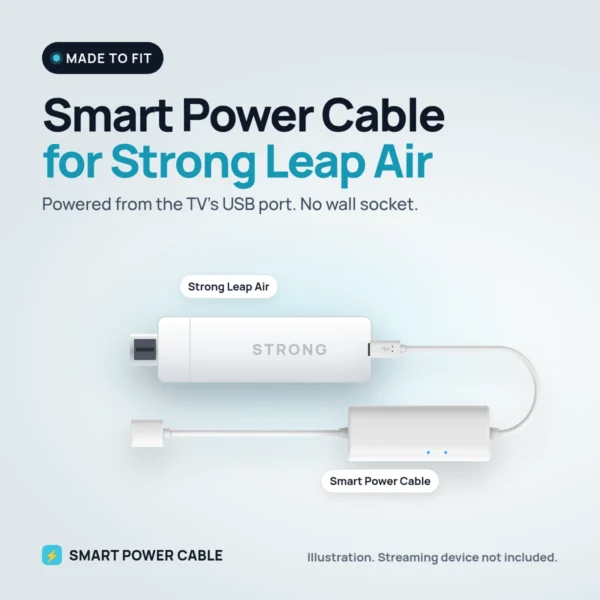
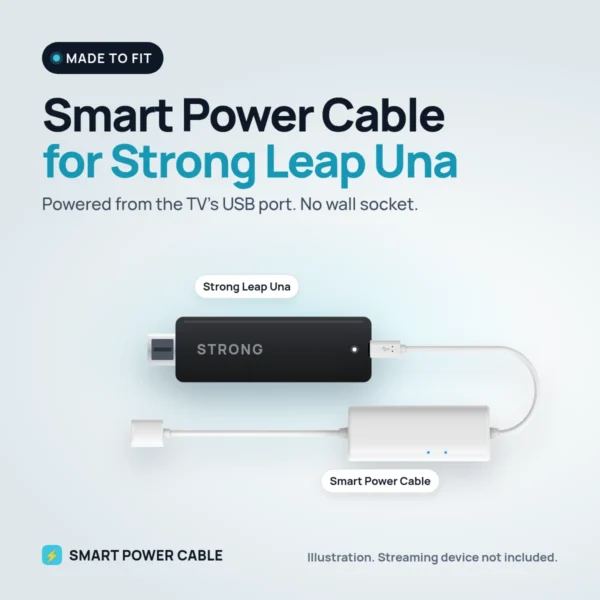
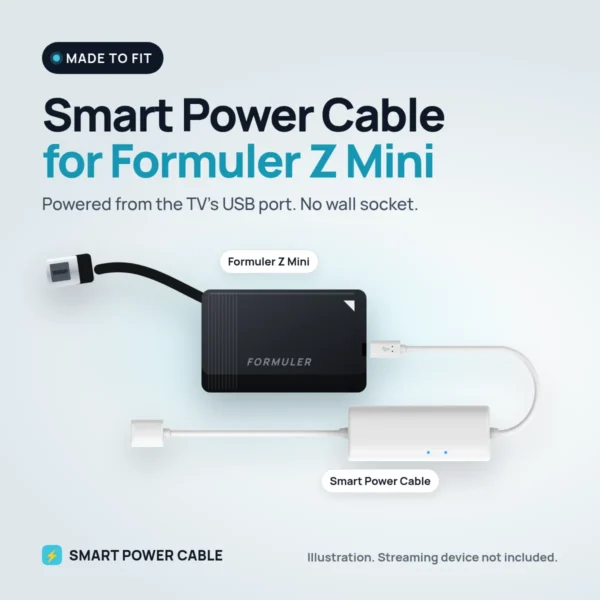
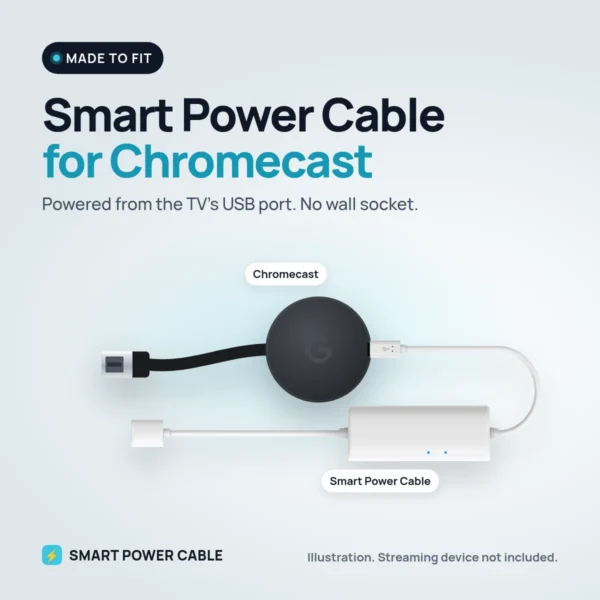
Using Chromecast, Fire TV Stick or another streaming stick? Take a look at Smart Power Cable instead.
What is in the box
Apple TV power cable for USB and 12 V. Apple TV, HDMI cable and TV are not included.
Specifications
| Connects to | Apple TV power input |
|---|---|
| Power source | USB port on TV, monitor or other USB source; 12 V via a USB charger |
| Recommended USB port | At least 900 mA |
| First charge | About 6 hours |
| Apple TV settings | None needed |
| Design | Patented |
| Shipping weight | 0.25 kg |
Frequently asked questions
What happens if the USB port is too weak?
The Apple TV may restart or not start at all. Try another USB port on the TV first. If that does not help, use a separate USB source such as a USB charger.
Does the USB power switch off when I turn off the TV?
That depends on the TV model. On some TVs the USB port stays powered, on others it switches off with the TV.
Do I need to change any settings on the Apple TV?
No. Just plug it in.
Can I use it in a motorhome or on a boat?
Yes. If the TV runs on 12 V and its USB port is strong enough, you need no 230 V. Otherwise use a USB charger in a 12 V socket.
Does it work with an older TV?
Older TVs can have weaker USB ports. If yours gives less than 900 mA, use a separate USB charger instead.
Do I still need an HDMI cable?
Yes. It only replaces the Apple TV’s mains cable.
Reviews
There are no reviews yet.