

RUTX series · power guide
Teltonika RUTX11 power supply and cables
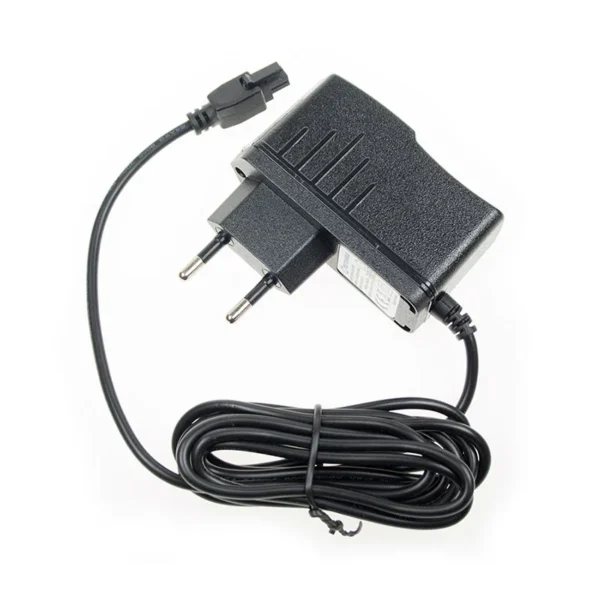
Need power for a Teltonika RUTX11? It is a industrial 4G router that takes 9 to 50 V DC, and all three of our cables fit its 4-pin socket.
Screw terminal cable
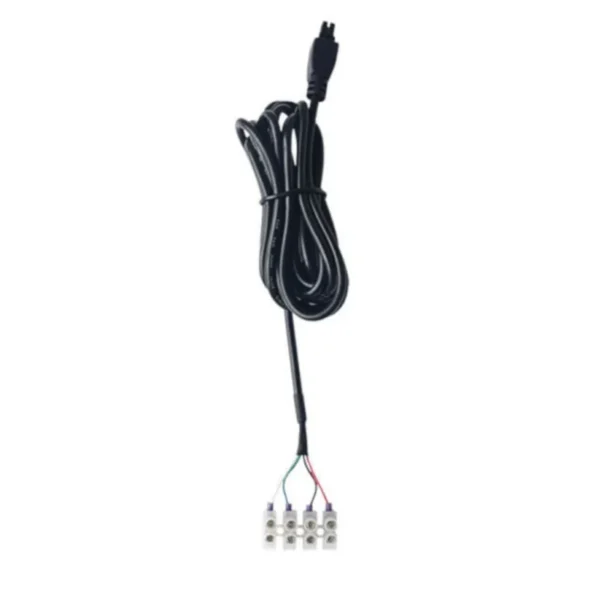
Bare ends for 12, 24 or 48 V DC, with the I/O wires included.
€11.95 incl. VATBuy now
End of life
Teltonika has announced end of life for the Teltonika RUTX11. Orders are accepted until 3 February 2027, production runs until 3 August 2027 and support continues until 3 August 2032. Teltonika names the Teltonika RUTM11 as the replacement. According to Teltonika's wiki it has a 4-pin 9 to 50 V socket, so our cables fit it as well.
About the Teltonika RUTX11
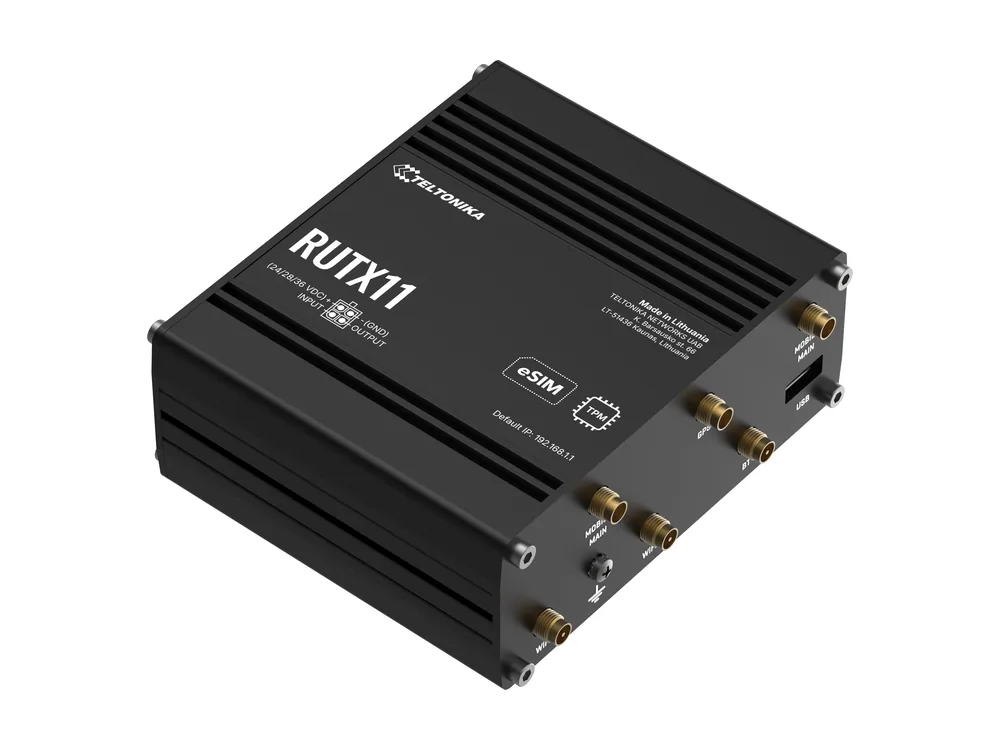
The RUTX11 is the well-equipped RUTX router: LTE-A Cat 6, dual SIM, dual-band Wi-Fi, Bluetooth LE, GNSS, a USB port and four Gigabit Ethernet ports. It became a standard choice for buses, trains and branch offices.
It is often the router that handles passenger Wi-Fi, ticketing and vehicle tracking at the same time.
Teltonika RUTX11 at a glance
- Mobile
- 4G LTE-A Cat 6
- Ethernet
- 4 x Gigabit RJ45
- Wi-Fi
- 2.4 / 5 GHz
- SIM
- 2 x SIM
- Extras
- GNSS, Bluetooth 5.0 LE, USB
- Power input
- 9 to 50 V DC, 4-pin socket
- I/O on power socket
- 1 digital input, 1 digital output
- Peak draw at 12 V
- 10 W (833 mA)
- Size
- 115 x 44.2 x 95.1 mm
- Status
- End of life announced (support until 3 August 2032)
Power socket pinout
| Pin | Function | Our wire |
|---|---|---|
| 1 | Power (+) | Red |
| 2 | Ground (-) | Black |
| 3 | Digital input | Green |
| 4 | Digital output | White |
Colours refer to our screw terminal cable. The car cable and supply use the power pins only.
How much power the RUTX11 draws
On 12 V, the Teltonika RUTX11 draws about 833 mA at its busiest, or 10 W. Left idle it sits near 3.5 W. Our 230 V supply is rated 1.5 A, so the router uses roughly 56% of it at peak.
Which cable should I pick?
- Wall socket. The simple choice indoors: plug in and the RUTX11 starts.
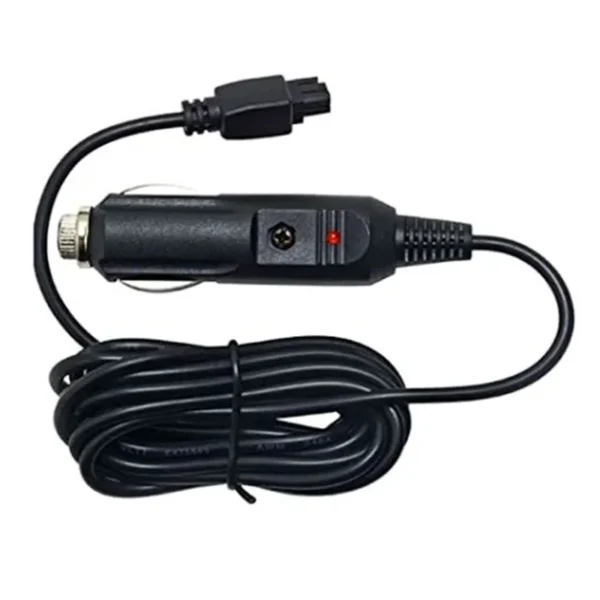
- Vehicle. A quick vehicle install with a fused plug and LED.
- Cabinet, battery or solar. Bare ends for 12, 24 or 48 V DC, with the I/O wires included. Add a 2 A slow-blow fuse near the source.
Install tips
- Vehicle installs vibrate. Secure the cable with a tie close to the plug, so the 4-pin connector is not carrying the weight of the cable.
- The Teltonika RUTX11 is rated to 50 V, which gives good margin on 24 V vehicles. A clean supply is still the best protection against spikes.
- Measure the voltage at the router end once installed, especially with long cable runs on 12 V systems.
Teltonika RUTX11 power FAQ
?What is the input voltage range of the Teltonika RUTX11?
Anything from 9 to 50 V DC on the 4-pin socket. Our 12 V supply, a 24 V truck system or a 48 V DC rail all work.
?I lost the adapter for my Teltonika RUTX11. What do I need?
Any DC supply within 9 to 50 V DC on a Teltonika-style 4-pin plug will work. Our 230 V supply gives 12 V at 1.5 A, which suits the Teltonika RUTX11.
?Is 18 W enough for the Teltonika RUTX11 on a bus?
Yes. Teltonika measured about 10 W at full load on 12 V. On a vehicle, the car cable or the screw terminal cable will usually be a better fit than the 230 V supply.
?Does the screw terminal cable give access to the Teltonika RUTX11's I/O?
Yes. Only the screw terminal cable connects them. Green goes to the input and white to the output. The car cable and the 230 V supply only use the power pins.
?Is the Teltonika RUTX11 included with the cable?
We do not sell the Teltonika RUTX11. Our shop has three power options for it, and that is all we sell for Teltonika devices.