

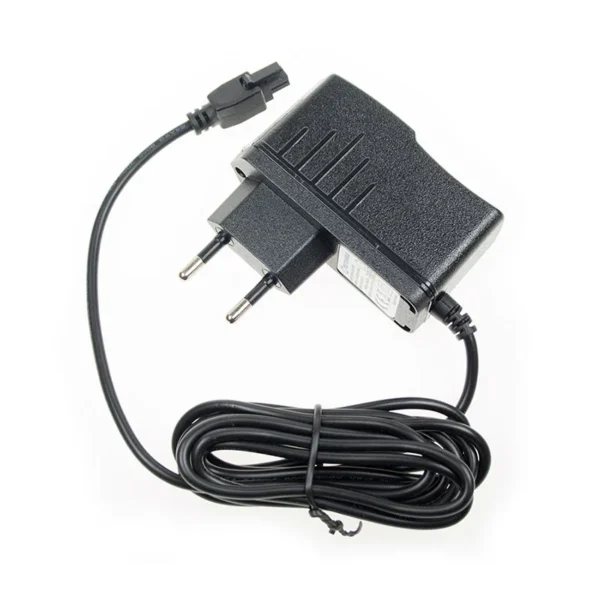
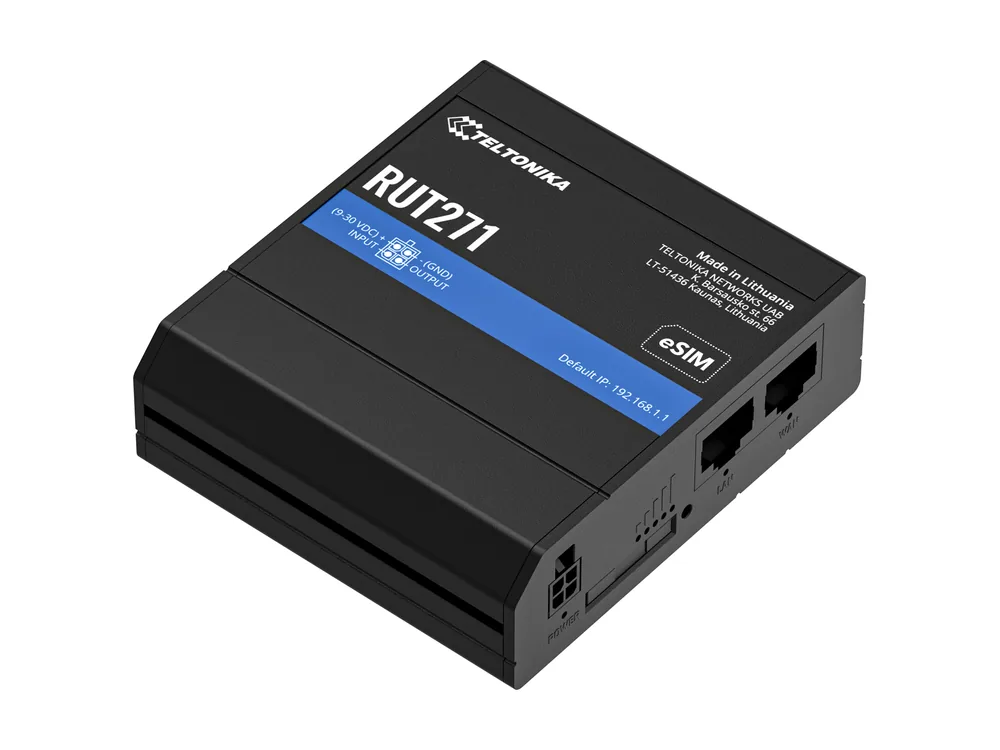
RUT2 series · power guide
Teltonika RUT271 power supply and cables
Need power for a Teltonika RUT271? It is a compact 5G RedCap router that takes 9 to 30 V DC, and all three of our cables fit its 4-pin socket.
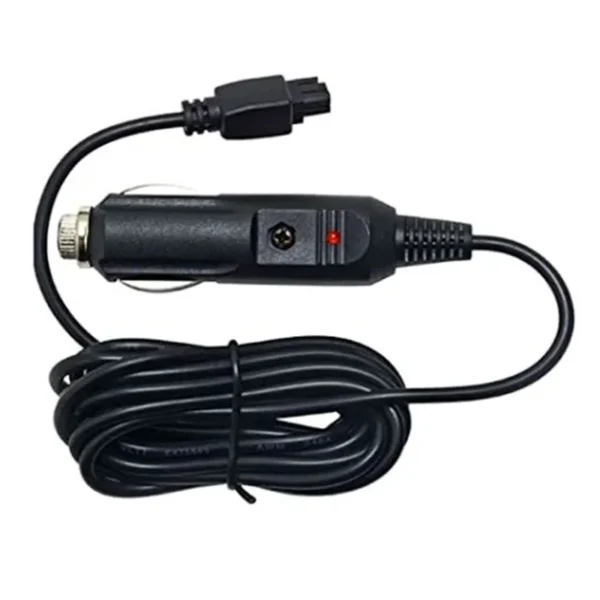
12/24 V car cable
For 12 V cars and 24 V trucks, passing 9 to 30 V straight through.
€12.95 incl. VATBuy now
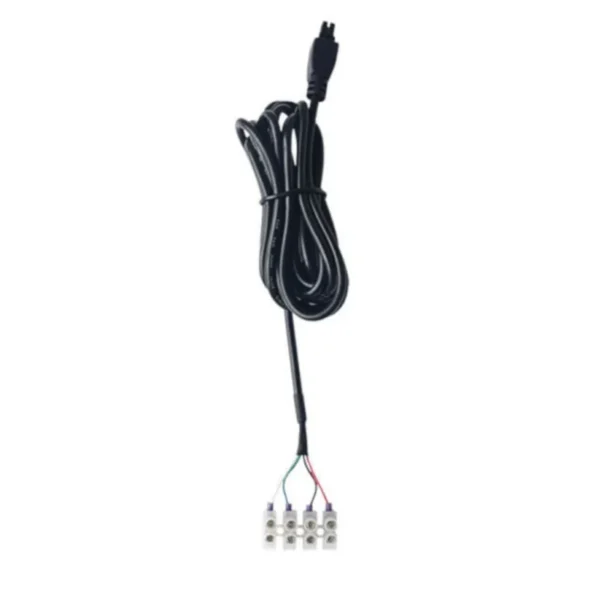
Screw terminal cable
For DC rails, batteries and solar. Green and white bring out the I/O.
€11.95 incl. VATBuy now
About the Teltonika RUT271
The RUT271 brings 5G to the small RUT2 format by using RedCap, the reduced-capability flavour of 5G meant for IoT. It keeps the familiar layout of two Ethernet ports, one SIM and 2.4 GHz Wi-Fi, so it looks like any other RUT2 router on the outside.
It makes sense where operators are winding down older networks and you want a small router that stays on modern 5G.
Teltonika RUT271 at a glance
- Mobile
- 5G RedCap
- Ethernet
- 2 x RJ45
- Wi-Fi
- 2.4 GHz
- SIM
- 1 x SIM
- Power input
- 9 to 30 V DC, 4-pin socket
- I/O on power socket
- 1 digital input, 1 digital output
- Peak draw at 12 V
- 4.2 W (348 mA)
- Size
- 83 x 25 x 74 mm
- Status
- In production
Power socket pinout
| Pin | Function | Our wire |
|---|---|---|
| 1 | Power (+) | Red |
| 2 | Ground (-) | Black |
| 3 | Digital input | Green |
| 4 | Digital output | White |
The car cable and the 230 V supply only use pins 1 and 2. The I/O wires are on the screw terminal cable.
How much power the RUT271 draws
On 12 V, the Teltonika RUT271 draws about 348 mA at its busiest, or 4.2 W. Left idle it sits near 1 W. Our 230 V supply is rated 1.5 A, so the router uses roughly 23% of it at peak.
Which cable should I pick?
- Wall socket. The simple choice indoors: plug in and the RUT271 starts.
- Vehicle. For 12 V cars and 24 V trucks, passing 9 to 30 V straight through.
- Cabinet, battery or solar. For DC rails, batteries and solar. Green and white bring out the I/O. Add a 2 A slow-blow fuse near the source.
Install tips
- RedCap coverage is still growing. Check your operator's 5G map for the exact site before you commit, and keep the router where you can reach the socket if you need to move it.
- Use a decent supply. Teltonika warns that cheap adapters can send voltage spikes when plugged in or unplugged, and those spikes can damage the router.
- Do not let the cable hang from the plug. A cable tie a few centimetres from the socket stops vibration from working it loose.
Teltonika RUT271 power FAQ
?What is the input voltage range of the Teltonika RUT271?
Teltonika specifies 9 to 30 V DC for the Teltonika RUT271. Both 12 V and 24 V supplies sit comfortably inside that window.
?Does the Teltonika RUT271 come with a power supply?
New units usually ship with a 9 V wall adapter. A second cable makes sense for spares, a second site, or an install where a wall plug is not practical, such as a vehicle or a DIN rail cabinet.
?Does 5G make the Teltonika RUT271 hungry for power?
Not much. RedCap modems are designed to sip power. Teltonika measured about 4.2 W at 12 V with the modem and Wi-Fi working hard, close to a RUT240.
?Can I use the input and output on the Teltonika RUT271 with your cable?
Yes. The screw terminal cable brings pin 3 (digital input) out on the green wire and pin 4 (digital output) on the white wire. Configure them in RutOS under Services, Input/Output.
?Is the 18 W supply strong enough for the Teltonika RUT271?
Yes. The Teltonika RUT271 peaks at 4.2 W on 12 V, about 23% of the supply's rating.
?Is the Teltonika RUT271 included with the cable?
We do not sell the Teltonika RUT271. Our shop has three power options for it, and that is all we sell for Teltonika devices.