

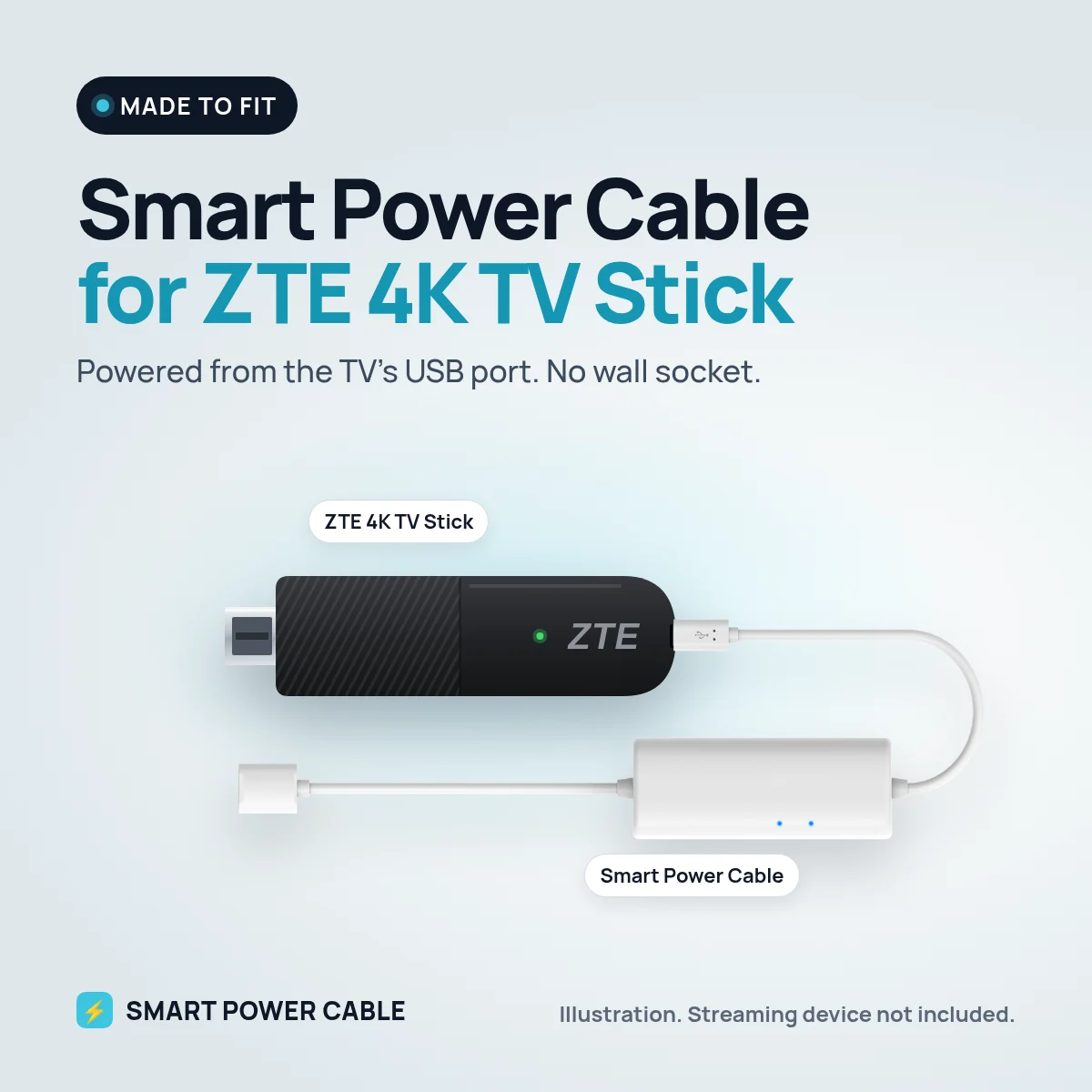
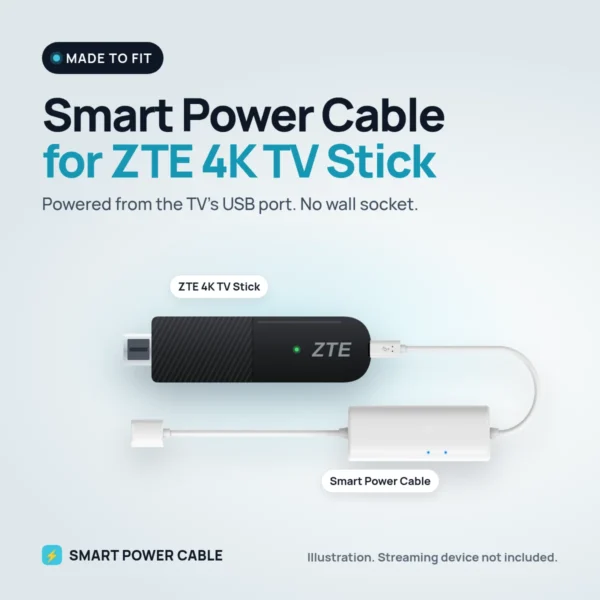
Many households get the ZTE 4K TV Stick with a TV or broadband subscription. It is compact and runs Google TV, but it still needs its own power supply and a free socket. With the Smart Power Cable, the TV’s USB port can do that job.
Why a TV port is not quite enough
ZTE supplies this stick with a 5 V, 1 A power supply and powers it over USB-C. Most TV USB ports supply around 0.5 A. That is fine while the stick sits on the home screen, but streaming 4K, recording a live channel to the cloud or updating Google TV pushes demand past what the port can deliver. The stick then reboots or loses its connection.
How the Smart Power Cable helps
The cable contains an energy buffer. It charges from the TV port when the stick needs little and releases power when the stick needs more. The ZTE stick gets a steady supply and the port is never pushed past its limit.
Charge the cable for about 60 minutes before first use. After that it keeps itself charged.
Fitting it
- Connect the ZTE stick to an HDMI port, with the short HDMI extender if needed.
- Attach the Smart Power Cable to the stick’s USB-C power input.
- Plug the USB end into the TV’s USB port.
- Turn on the TV and sign in to your provider’s app or Google account.
At home, in the caravan or on board
At home it is simply tidier: no power supply hanging behind the TV and no extra socket in use. If you take your ZTE stick on holiday, the cable lets it run from a 12 V TV’s USB port in a motorhome or caravan, or from a 12 V USB socket on a boat. Your provider’s channels and apps then travel with you, subject to their own rules for use abroad.
Before you order
ZTE sticks are often branded by the operator that supplied them, so the name on the box may not say ZTE at all. The model number on the label usually does. Check that the original power supply is rated 5 V and 1 A and that the stick takes power through USB-C. If you are unsure which version you have, send us a photo of the label and we will help.
Specifications
- Works with: ZTE 4K TV Stick
- Stick power need: 5 V, 1 A over USB-C (ZTE’s power supply)
- Input: powered USB port, USB charger or 12 V USB socket
- Built-in energy buffer
- First charge: about 60 minutes recommended
- Patented design
Frequently asked questions
Can I power the ZTE 4K TV Stick from the TV?
Yes, with the Smart Power Cable. The buffer covers the peaks a TV port cannot.
Does it work with the ZTE stick from my TV provider?
The cable has been tested with the ZTE 4K TV Stick. It only supplies power, so your provider’s service is not affected.
Can I use it on 12 V?
Yes. Connect it to a 12 V USB socket or to the USB port on a 12 V TV.
Does the stick stay on when the TV is off?
That depends on your TV. Many cut USB power in standby. A separate USB charger keeps the stick on.

Reviews
There are no reviews yet.