

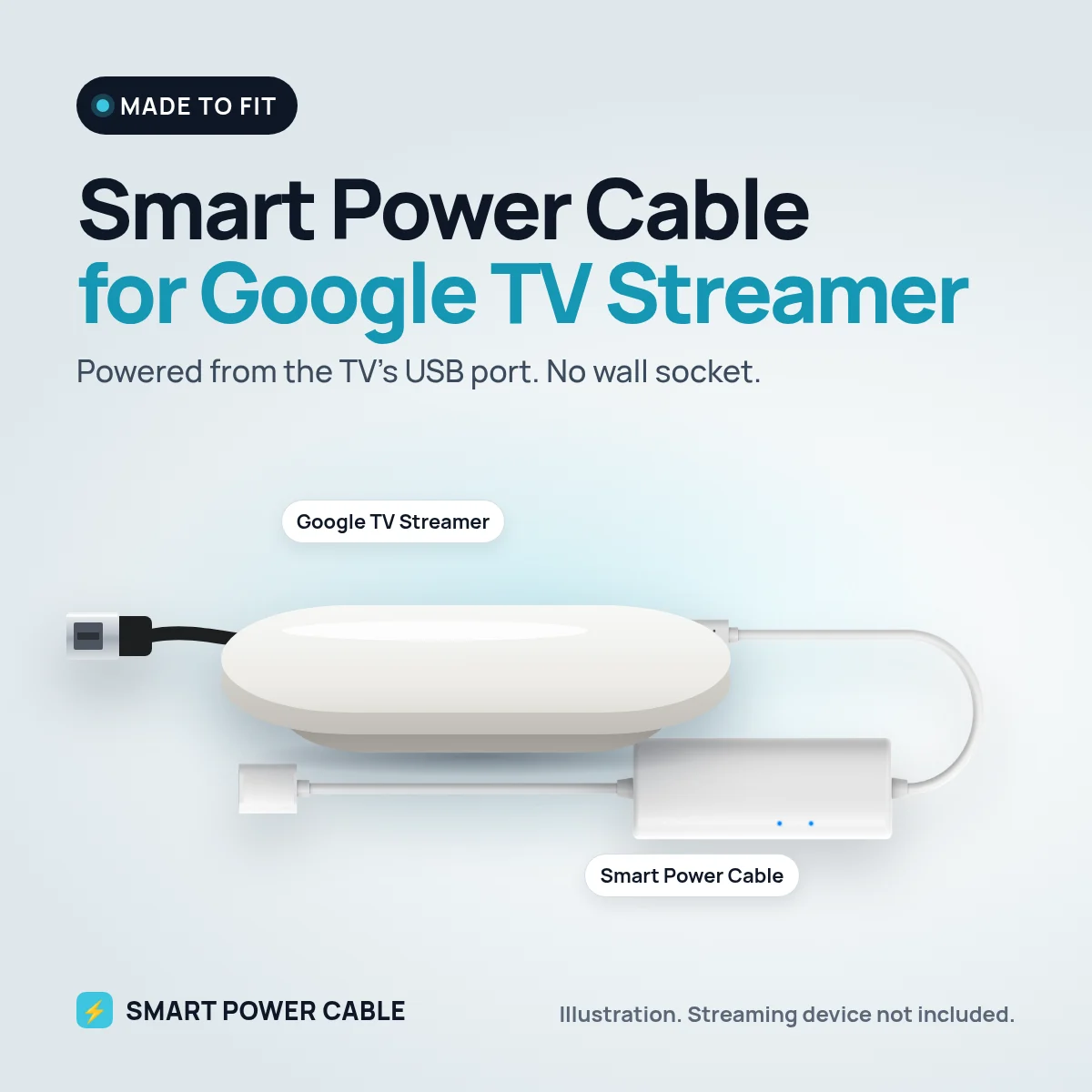
Google TV Streamer replaced Chromecast with a small box that sits next to the TV rather than hanging from the HDMI port. It is quicker and more capable than the sticks before it, and it needs more power too. That makes it the device where the Smart Power Cable earns its place most clearly.
Why the Streamer is hard to run from a TV port
Google rates the Streamer at 5 V and 1.5 A, supplied over USB-C. A typical TV USB port is designed for about 0.5 A, and Google itself notes that TV ports may not give the Streamer enough power. On a weak port you can expect a low power warning, slow menus or a restart when an app loads.
How the Smart Power Cable bridges the gap
The cable carries a built-in energy buffer. It charges from the USB port while the Streamer is idle or browsing menus, then gives back that stored energy when the box needs a surge. The Streamer sees a supply that keeps up with it instead of one that sags.
For best results with the Streamer, use the strongest USB port on the TV, or a USB charger or 12 V USB socket. Charge the cable for about 60 minutes before first use.
Setting it up
- Place the Streamer near the TV and connect it with the HDMI cable.
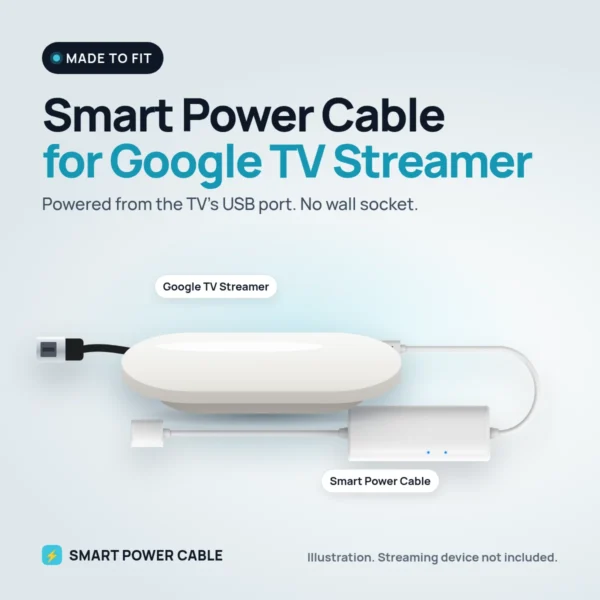
- Connect the Smart Power Cable to the Streamer’s USB-C power input.
- Plug the USB end into the TV, a USB charger or a 12 V USB socket.
- Finish setup in the Google Home app and check that no low power notice appears.
Living room, motorhome, caravan or boat
At home it removes one more plug from a crowded socket strip. In a motorhome or caravan it is a neat way to bring Google TV to a 12 V TV: power the Streamer from the TV’s USB port or straight from a 12 V USB socket, with no 230 V inverter. On a boat it means one less device drawing from the mains system.
Specifications
- Works with: Google TV Streamer
- Streamer power need: 5 V, 1.5 A over USB-C (Google’s rating)
- Input: powered USB port, USB charger or 12 V USB socket
- Built-in energy buffer for peak power
- First charge: about 60 minutes recommended
- Patented design
Frequently asked questions
Can the Google TV Streamer run on TV USB power?
A plain TV port is often too weak. With the Smart Power Cable the energy buffer helps cover the Streamer’s peaks. If a low power notice appears, use a USB charger or a 12 V USB socket.
Does the Streamer work on 12 V?
Yes, through a 12 V USB socket or a 12 V USB charger with the Smart Power Cable in between.
Will it turn off when the TV turns off?
If your TV cuts USB power in standby, the Streamer will restart with the TV. A separate USB source keeps it on.
Does the cable affect Ethernet or HDMI?
No. It only supplies power. The Streamer’s own Ethernet and HDMI ports work as normal.

Reviews
There are no reviews yet.