

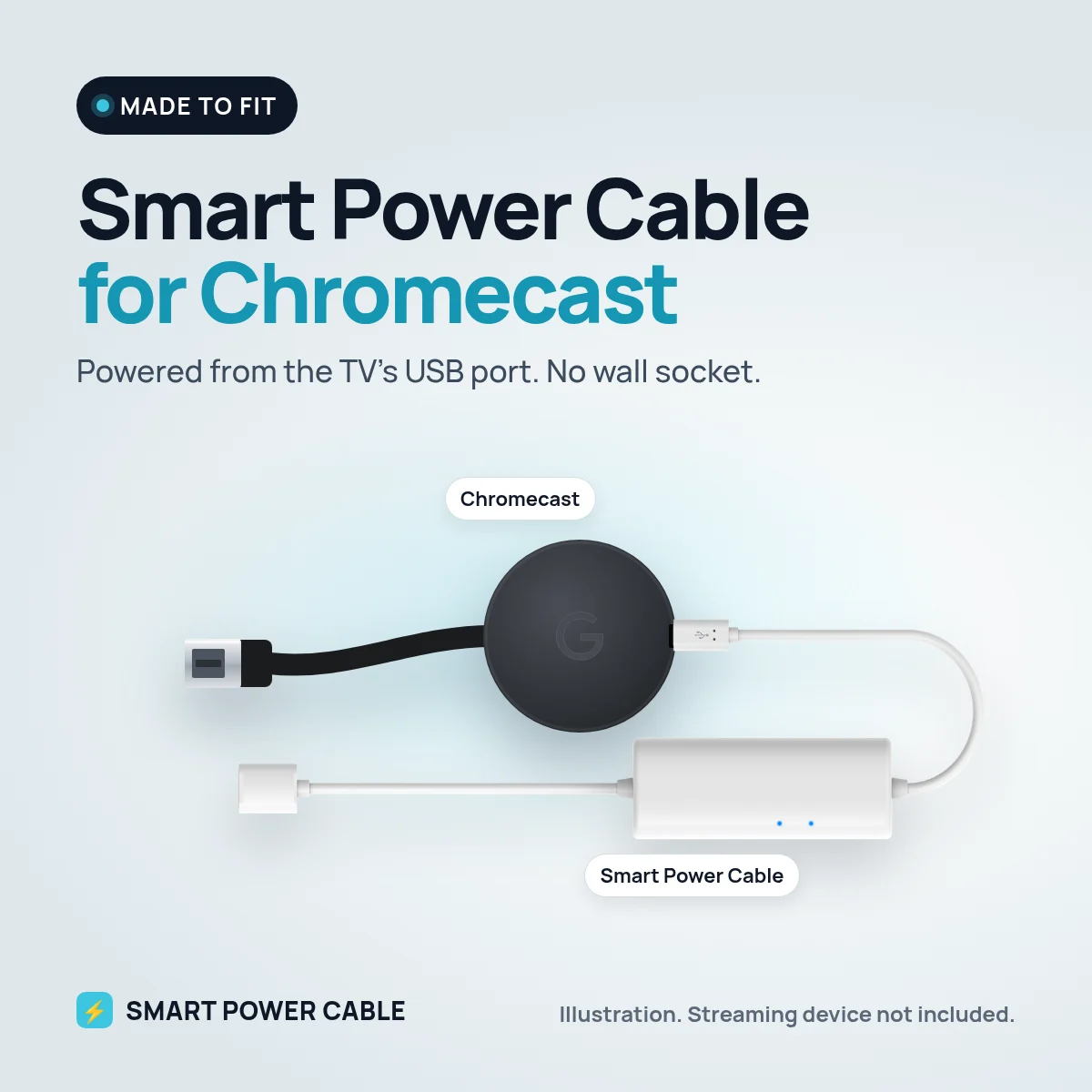
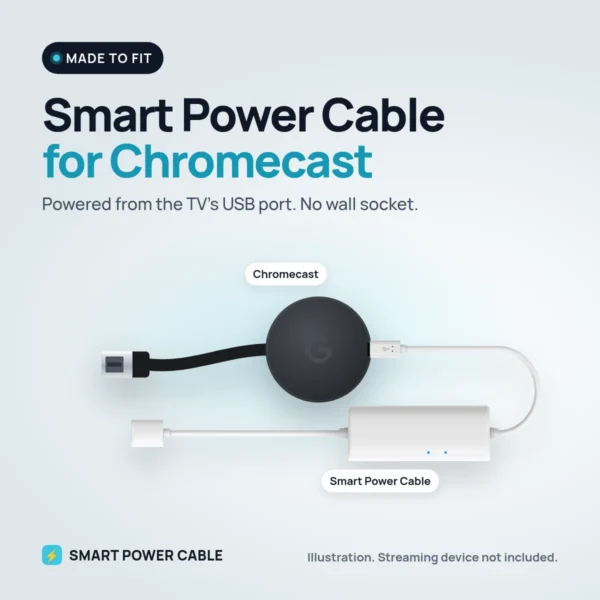
A Chromecast is small enough to hide behind any TV, yet it usually comes with a wall plug and a cable that has to reach a socket. On a wall-mounted TV, in a bedroom or in a motorhome, that socket is often in the wrong place or already taken. The Smart Power Cable lets the Chromecast take its power from the TV’s own USB port instead.
Why a Chromecast restarts on TV USB power
Google rates the Chromecast (3rd generation and older) at 5 V and 1 A through micro-USB. Many TV USB ports are built to read a memory stick and only deliver around 0.5 A. That is enough to make the Chromecast light up, but when it starts a stream, buffers a 1080p film or installs an update, the current it asks for rises. The port cannot keep up, the voltage dips and the stick reboots or shows a black screen.
How the Smart Power Cable solves it
The cable has a small energy buffer built in. While the Chromecast is idle it takes a little extra from the USB port and stores it. When the Chromecast needs more than the port can give, the buffer releases that stored energy so the supply stays steady. You get the clean setup of USB power without the dropouts.
It ships charged. Before first use we recommend plugging it into a USB port for about 60 minutes. After that it keeps itself topped up from the port it is connected to.
Install it in four steps
- Plug the Chromecast into a free HDMI port on the TV.
- Connect the Smart Power Cable to the Chromecast’s power input.
- Plug the USB end into the TV’s USB port, or into any USB charger nearby.
- Switch the TV to the right HDMI input and set up the Chromecast as normal in the Google Home app.
At home or on 12 V in a motorhome, caravan, boat or car
At home the usual job is tidying up a wall-mounted TV: no plug hanging behind the screen and one less socket used. On the road it saves even more. Many motorhome and caravan TVs run on 12 V and have a USB port, so the Chromecast can run from the TV without an inverter. If your TV’s USB port is too weak or switches off, plug the cable into a 12 V USB socket or a 12 V USB charger instead. The same works on a boat or in a car with a screen.
Specifications
- Works with: Google Chromecast, including older Chromecast models
- Input: USB from a powered TV port, USB charger or 12 V USB socket
- Chromecast power need: 5 V, 1 A (Google’s rating)
- Built-in energy buffer for peak power
- First charge: about 60 minutes recommended
- Patented design
Frequently asked questions
Can a Chromecast be powered by the TV’s USB port?
Often only just. Many TV ports supply around 0.5 A, while Chromecast is rated at 1 A. The Smart Power Cable covers the gap with its built-in energy buffer so the stick runs reliably.
Will the Chromecast turn off with the TV?
On many TVs the USB port switches off when the TV does, so the Chromecast restarts when you turn the TV on again. If you want it always on, use a USB charger or a 12 V USB socket instead.
Does it affect picture quality?
No. The cable only handles power. Picture and sound still travel through HDMI exactly as before.
Which Chromecast models does it work with?
It has been tested with Google Chromecast and with older Chromecast models that take power over micro-USB.
Can I leave it plugged in all the time?
Yes. It is made to stay connected and keeps itself charged from the USB port.

Reviews
There are no reviews yet.