

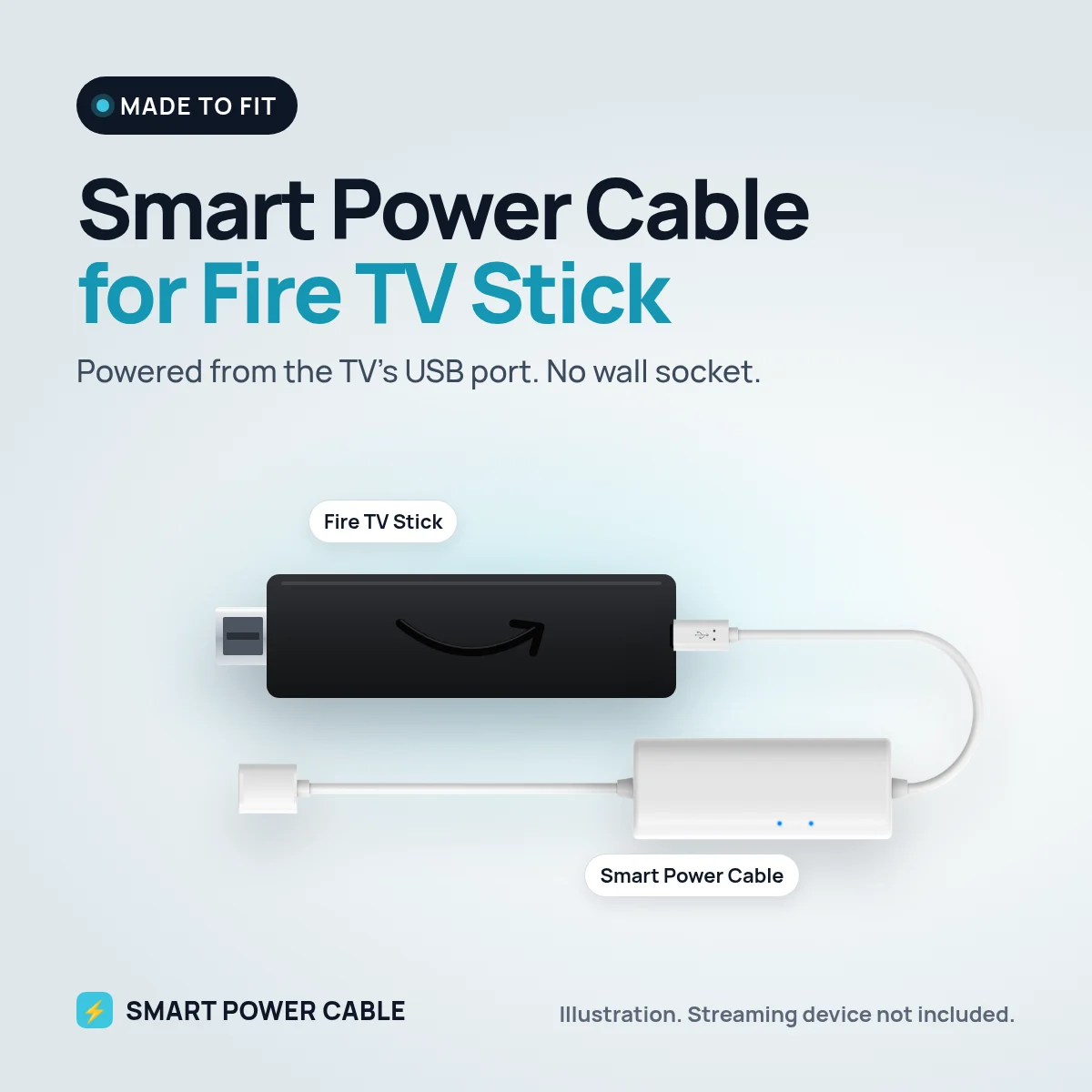
If you have ever plugged an Amazon Fire TV Stick into the TV’s USB port, you have probably seen the message about insufficient power. Amazon asks for a 5 W supply, which is 5 V at 1 A, and most TV ports fall short. The Smart Power Cable closes that gap.
Why the low power warning appears
The Fire TV Stick checks the power it receives. A TV USB port typically delivers around 0.5 A, so the stick warns you, and it can freeze or restart during heavy use such as 4K playback or a software update. Losing power during an update is the case you most want to avoid.
How the Smart Power Cable helps
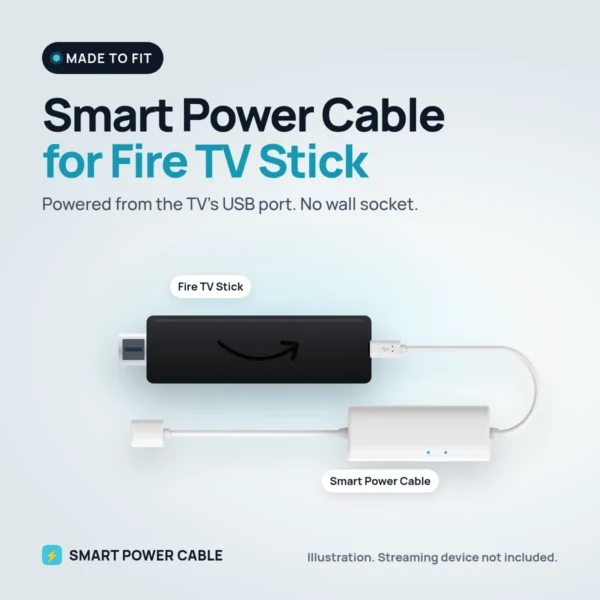
Our cable has a built-in energy buffer that fills up from the USB port and releases energy when the Fire TV Stick draws more than the port can supply. The stick gets a steadier supply and can run from the TV without the separate Amazon plug.
Charge it for about 60 minutes before first use. It then recharges itself from the port.
Installation
- Plug the Fire TV Stick into an HDMI port on the TV.
- Connect the Smart Power Cable to the stick’s power input.
- Plug the USB end into the TV’s USB port. Use a USB 3.0 port if your TV has one.
- Switch on the TV and follow the Fire TV setup.
Fire TV Stick models have used different power connectors over the years. Check the power input on your stick before ordering, and contact us if you are unsure.
At home, in the motorhome or on the boat
At home the cable keeps a wall-mounted TV free of plugs. Many people take a Fire TV Stick in the motorhome or caravan because it is easy to move between TVs. With our cable it runs from a 12 V TV’s USB port, or from a 12 V USB socket when the TV port is too weak. It suits boats and cars with screens too.
Specifications
- Works with: Amazon Fire TV Stick
- Fire TV Stick power need: 5 V, 1 A (5 W), per Amazon
- Input: powered USB port, USB charger or 12 V USB socket
- Built-in energy buffer for peak demand
- First charge: about 60 minutes recommended
- Patented design
Frequently asked questions
Can a Fire TV Stick be powered by the TV’s USB port?
It can start up, but most TV ports are too weak for reliable use. The Smart Power Cable buffers energy so the stick gets enough at peaks.
Will the insufficient power warning go away?
The cable is made to give the stick the extra power it needs. If the warning still appears, try another USB port or a USB charger.
Is it safe during software updates?
The buffer helps with power peaks during updates. If your TV cuts USB power when it switches off, avoid turning the TV off mid update, or use a separate USB source.
Does a Fire Stick work in a caravan on 12 V?
Yes. Use the TV’s USB port or a 12 V USB socket with the Smart Power Cable. No inverter is needed.

Reviews
There are no reviews yet.