

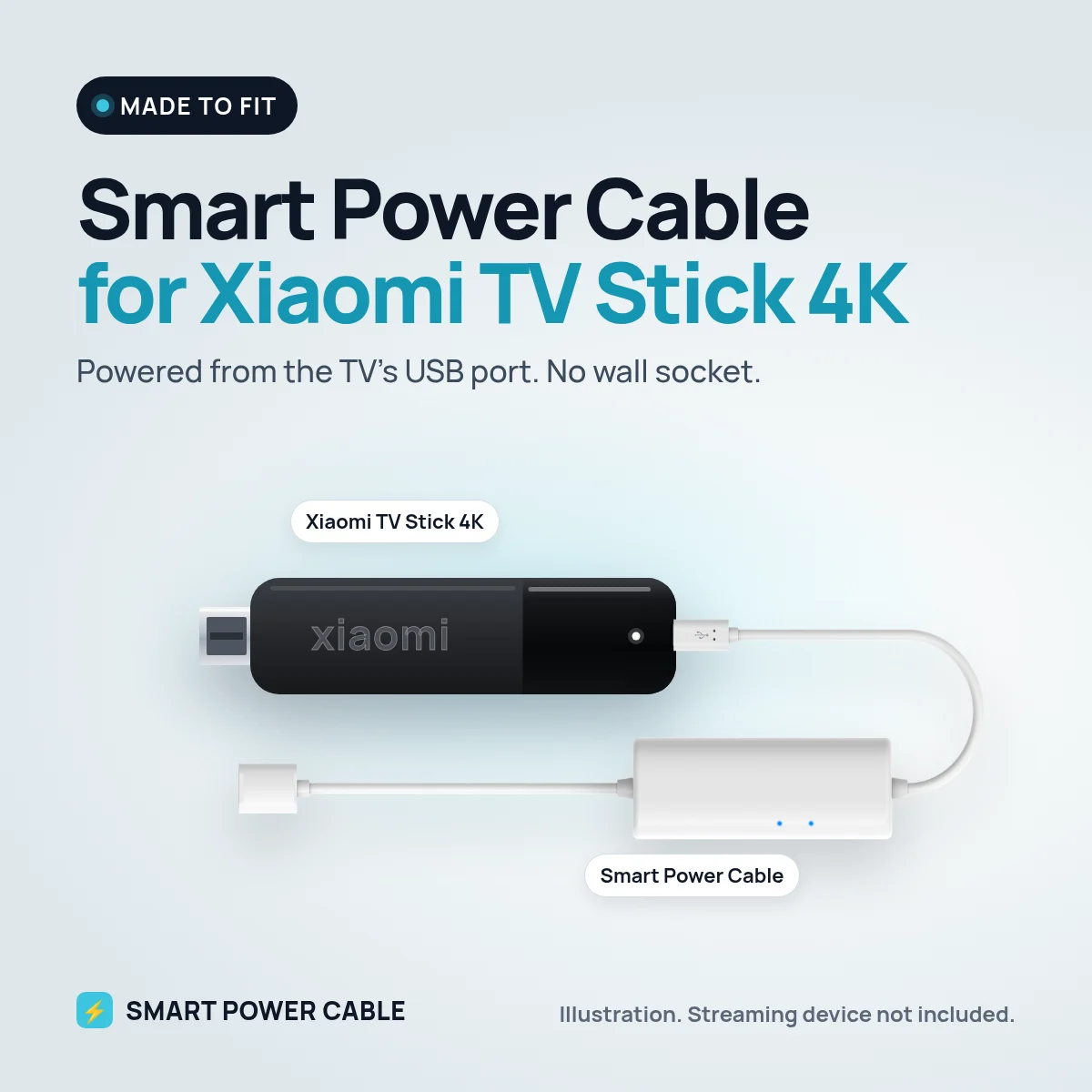
The Xiaomi TV Stick 4K is one of the most popular Android TV sticks in Europe, and lots of owners try to run it from the TV’s USB port to avoid the wall plug. It often works for a while, then restarts at the worst moment. The Smart Power Cable is the fix.
What goes wrong on TV USB
Xiaomi supplies the TV Stick 4K with a 5 V, 1 A power supply and a micro-USB cable. A TV USB port often gives about half of that. Android TV is busy in the background with app updates and caching, so the stick has short power peaks even when you are only browsing. When the port cannot meet them you see the Xiaomi logo again, or the picture freezes.
How our cable keeps the stick stable
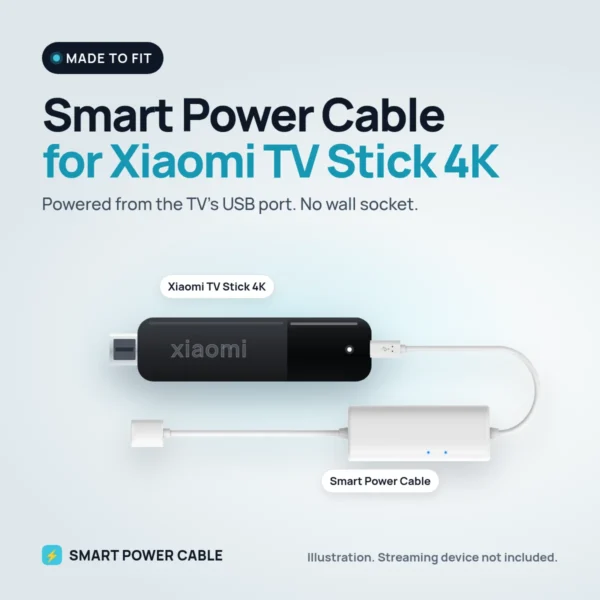
The Smart Power Cable stores energy from the USB port in a small built-in buffer. When the Xiaomi stick needs more than the port can deliver, the buffer steps in. To the stick it looks like a proper power supply, so it can stay on through 4K playback and updates.
Give the cable about 60 minutes on a USB port before first use. After that it stays topped up by itself.
Installation
- Plug the Xiaomi TV Stick 4K into an HDMI port, using the extender if space is tight.
- Connect the Smart Power Cable to the stick’s micro-USB power input.
- Plug the USB end into the TV’s USB port.
- Turn on the TV, choose the HDMI input and sign in to your Google account.
Home use and 12 V travel
At home you free a socket and hide every cable behind the TV. In a motorhome or caravan the Xiaomi stick is a common choice for its low price and 4K picture, and with our cable it can run straight from a 12 V TV’s USB port. If that port switches off with the TV or is too weak, plug the cable into a 12 V USB socket. It works the same on a boat.
Specifications
- Works with: Xiaomi TV Stick 4K
- Stick power need: 5 V, 1 A over micro-USB (Xiaomi’s power supply)
- Input: powered USB port, USB charger or 12 V USB socket
- Built-in energy buffer
- First charge: about 60 minutes recommended
- Patented design
Frequently asked questions
Why does my Xiaomi TV Stick 4K keep restarting on TV USB?
The TV port usually supplies less current than the stick needs at peaks. The Smart Power Cable’s energy buffer covers those peaks.
Can I use it with the Xiaomi TV Stick 4K in a motorhome?
Yes. Connect it to the TV’s USB port or to a 12 V USB socket. No inverter is needed.
Does it change picture quality?
No. It only supplies power. 4K and HDR depend on your TV and connection.
Can it stay connected all the time?
Yes. It is designed to stay plugged in and recharge from the USB port.
What if the stick still restarts?
Try another USB port, or a separate USB charger. Some TV ports are weaker than others.
Reviews
There are no reviews yet.