

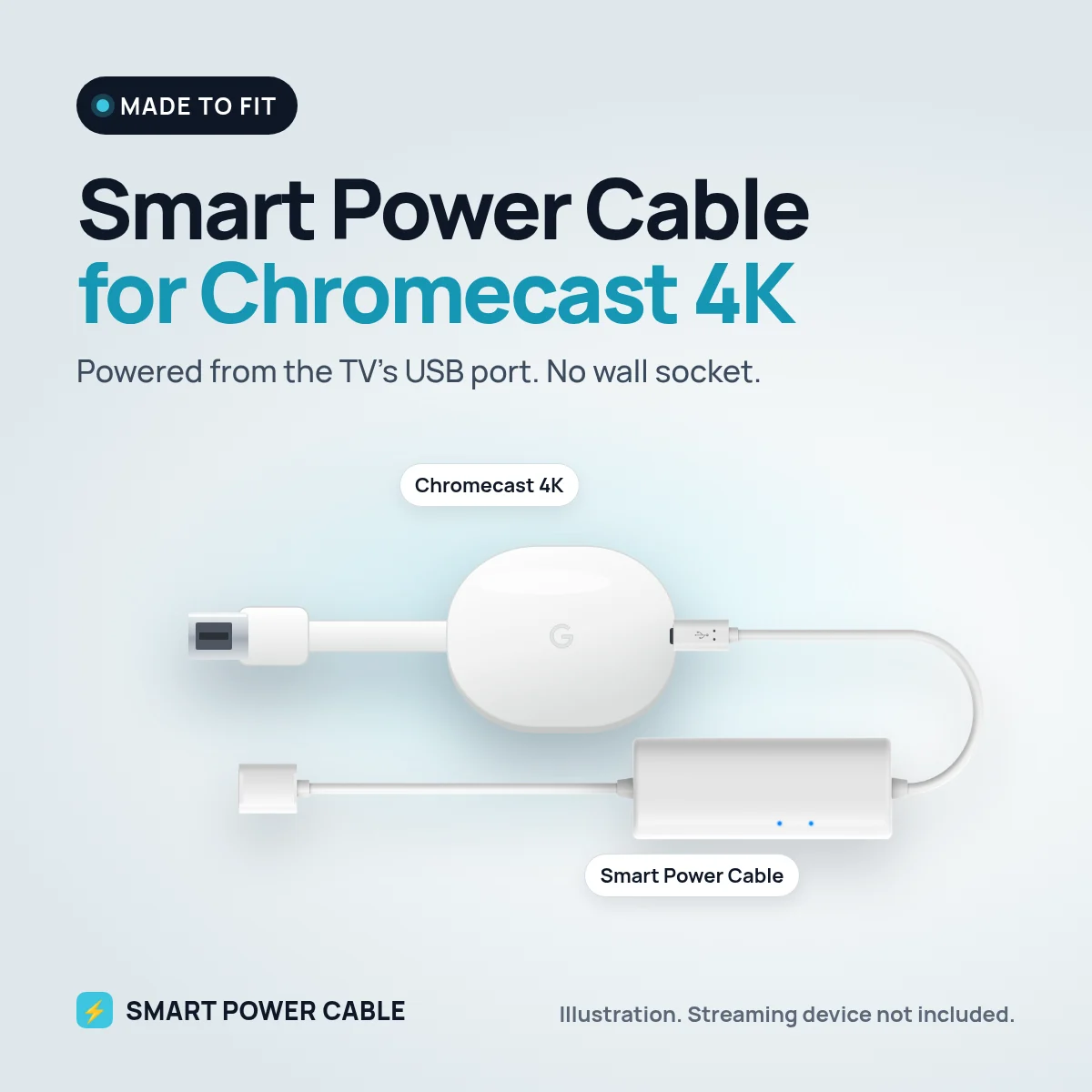
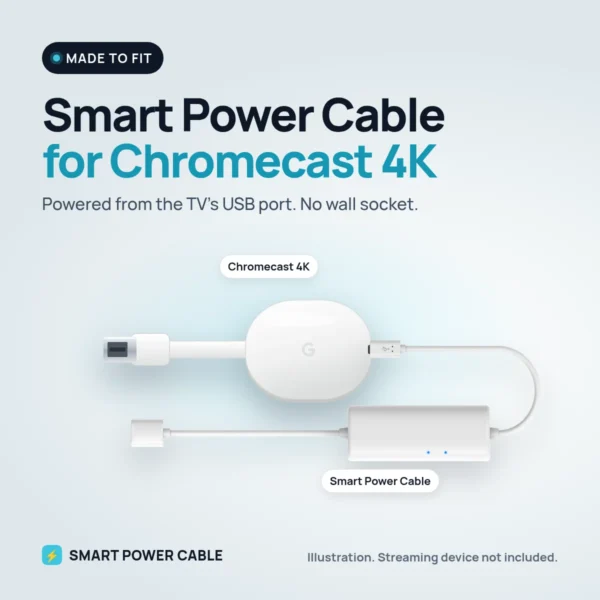
The white Chromecast 4K, sold by Google as Chromecast with Google TV (4K), is still one of the most popular ways to add Google TV to any screen. It plugs straight into HDMI, but it needs its own USB-C power supply and a free wall socket. Behind a wall-mounted TV, in a bedroom or in a motorhome, that socket is often in the wrong place. The Smart Power Cable lets the Chromecast 4K take its power from a USB port instead.
Why Chromecast 4K shows a low power warning on TV USB
Google ships the Chromecast 4K with a 7.5 W USB-C power supply, which is 5 V and 1.5 A. Most TV USB ports are designed for memory sticks and supply around 0.5 A, sometimes 0.9 A. That is enough to make the Chromecast start, but when it streams 4K HDR, installs an app or updates itself, it asks for more. The port cannot keep up, Google TV shows a low power notice, and the stick can freeze or restart.
How the Smart Power Cable fixes it
The cable has a built-in energy buffer. While the Chromecast is idle or browsing menus, the buffer charges from the USB port. When the Chromecast needs a burst of power, the buffer releases what it has stored, so the supply stays steady. You keep the clean setup of USB power without the dropouts.
The cable ships charged. Before first use we recommend plugging it into a USB port for about 60 minutes. After that it keeps itself topped up.
Install it in four steps
- Plug the Chromecast 4K into a free HDMI port on the TV, ideally one that supports 4K.
- Connect the Smart Power Cable to the Chromecast’s USB-C power input.
- Plug the USB end into the TV’s USB port, a USB charger or a 12 V USB socket.
- Select the right HDMI input and check that no low power notice appears in Google TV.
At home or on 12 V in a motorhome, caravan or boat
At home the cable removes one more plug from behind a wall-hung TV. On the road it saves even more. Many motorhome and caravan TVs run on 12 V and have a USB port, so the Chromecast 4K can run from the TV without an inverter. If your TV’s USB port is too weak, or switches off with the TV, plug the cable into a 12 V USB socket or a USB charger instead. The same works on a boat.
Specifications
- Works with: Chromecast 4K, the white Chromecast with Google TV (4K, 2020)
- Chromecast 4K power need: 5 V, 1.5 A over USB-C (Google’s power supply is 7.5 W)
- Input: powered USB port, USB charger or 12 V USB socket
- Built-in energy buffer for peak power
- First charge: about 60 minutes recommended
- Patented design
Frequently asked questions
Can Chromecast with Google TV be powered by the TV’s USB port?
A plain TV port is usually too weak, which is why the low power notice appears. With the Smart Power Cable the energy buffer covers the peaks, so the Chromecast 4K can run from USB.
Does it still stream in 4K HDR?
Yes. The cable only supplies power. Picture quality depends on your TV, the HDMI port and your internet speed.
Will it turn off with the TV?
If your TV cuts USB power in standby, the Chromecast restarts when you turn the TV on. A USB charger or a 12 V USB socket keeps it on all the time.
Can I use Ethernet?
Google’s Ethernet adapter for this model is also its power supply. With our cable the Chromecast 4K connects over Wi-Fi.
Does it fit the older Chromecast too?
Yes. It is the same cable, so it also powers the earlier Chromecast. The one exception is Chromecast Ultra: Google says it only works with its own power supply.
Google has since replaced the Chromecast 4K with the Google TV Streamer, but millions are still in use. The Smart Power Cable lets yours run from USB, at home or on 12 V.
Reviews
There are no reviews yet.